A collection without AI
Save notes, links, photos, files and useful bits of AI chats. Search the text, including inside PDFs. This mode spends no AI points: it is a good place to keep things you will come back to.
Read moreScreenshots, AI chats, a contractor’s email, a spreadsheet. Kartoteq keeps them together, helps you turn them into a result and remembers why you decided what you did.

Save notes, links, photos, files and useful bits of AI chats. Search the text, including inside PDFs. This mode spends no AI points: it is a good place to keep things you will come back to.
Read moreWrite down what you want to end up with: a house concept, a store launch plan, a report. AI asks a few questions, proposes sections and works only with the material in this notebook. The result lives as its own document, not as the last message in a chat.
Read moreAfter a year there are hundreds of notes. Second brain shows how they relate: links you make yourself, and links AI finds between your library and the team’s shared notebooks, including the places where two notes contradict each other.
Read moreSay you are launching an online store. AI asks who the customer is and what goes into the first batch, then sets up sections: audience, catalogue, delivery, launch. In any of them you can run two branches side by side, compare them and mark the good parts with “Keep”. The consolidated document shows where every line came from.
How branches workTwelve products, one delivery option, checkout in three steps.
Keep: the three-step checkoutCategories, filters, variants by colour and size.
Keep: the catalogue structureThe checkout from A. The catalogue from B. One plan, and next to every decision a link to the discussion where it was made.
A useful idea rarely has a single source. Here is how Marina, who is planning a country house, gathered everything in Kartoteq.
How the AI notebook works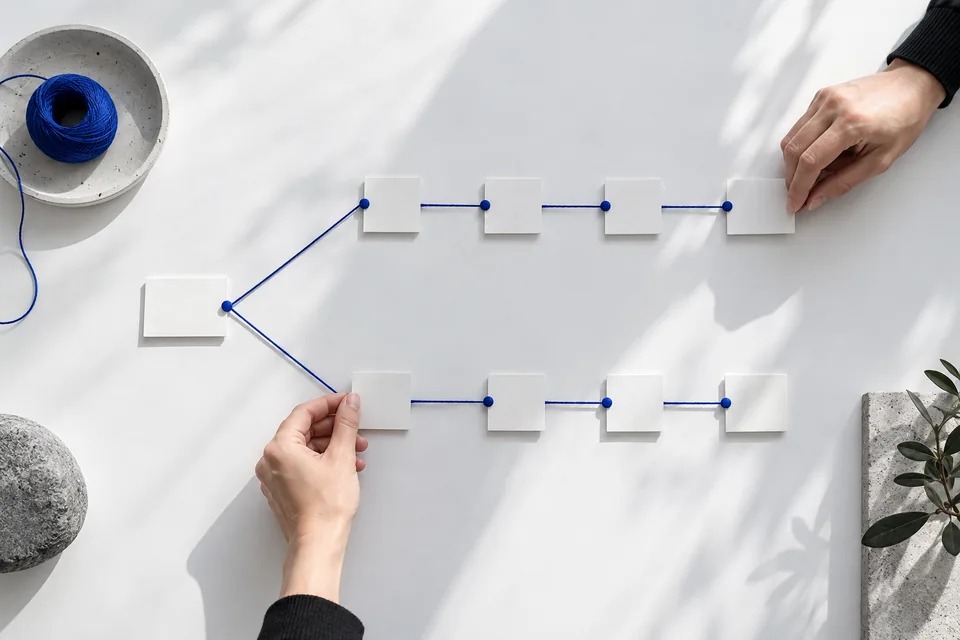
“Work out the concept of a house for a family of four.” That one sentence is enough to start. No template, no form.
AI asks about the plot, the budget, the season and who will live there. Skip what you do not know yet. Then it proposes sections: layout, engineering, materials, costs. Rename or delete any of them.
A photo of the plot, a screenshot from a chat about foundations, the contractor’s PDF estimate, a link to a house you liked. Each one gets a line about where it came from and why it matters.
Discussions run inside each section. The result, a brief for the architect, lives separately. AI suggests edits to it and points to the source behind each one. Marina accepts or rejects them.

In most projects the important part is not written down. It is a site plan, a photo from the building site, an estimate in Excel, a sketch on a napkin. In Kartoteq all of that sits next to the notes and the discussion, so the whole team looks at the same picture.
How teams work in KartoteqThree scenarios with a person, a problem and the notebook they ended up with.

Forty screenshots, three AI chats and one plot photo turn into a brief the architect can read.

Two founders, twenty-four products and six weeks. One notebook where the catalogue, the delivery rules and the decisions live together.

Three interviews, an eighty-page report and a spreadsheet become a note with a path from every claim back to its evidence.
Paid plans include points for AI work: the interview, summaries, comparing branches, proposed edits. Before an expensive operation you see an estimate and confirm it. Writing notes, storing files and linking them yourself costs nothing.
Plans and points
Some organisations cannot keep their knowledge with an outside provider. For them we deploy the product core inside their infrastructure, under their domain and name. Deployment, sign-in, integrations, the choice of AI models and support are agreed in one contract.

I moved 3,400 notes last year. About 300 of them mattered. This is the order I wish I had done it in, with the inspection note I ended up writing on day three.
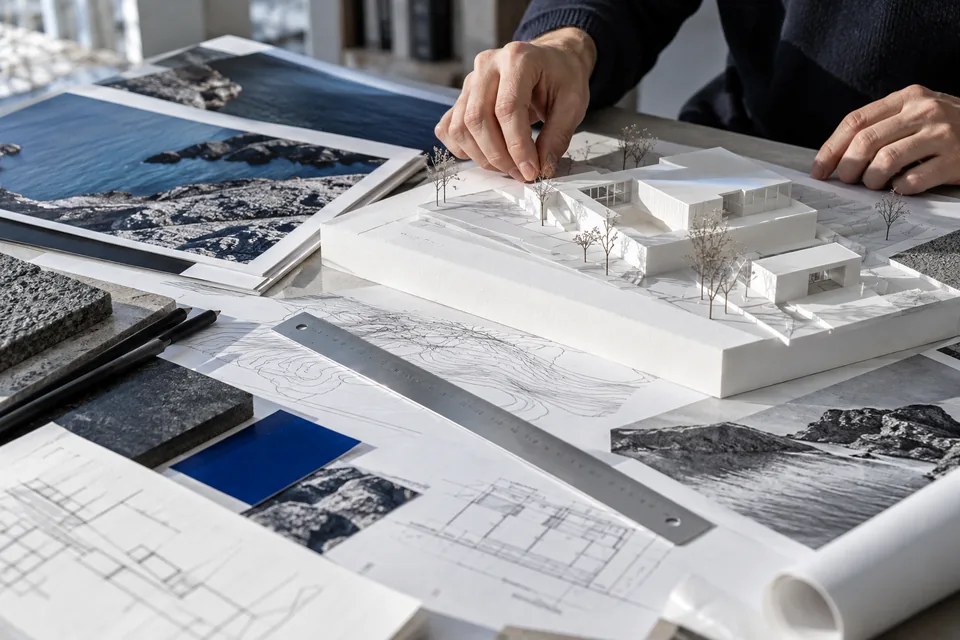
Most project wikis are a graveyard by the second quarter. Here is how one small research project avoided that, including the part where we got it wrong first.

We kept transcripts for a year. Then a new colleague asked why we had rejected weekly digests, and nobody could find the answer in forty pages of notes.
Name the goal, answer a few questions and get a working structure where AI reads only this notebook’s sources and the result lives as its own document.
In progress · Core experienceA graph of your notes where every link has a reason: the ones you drew yourself and the ones AI found between your library and the shared notebooks you can open.
Planned · Core experienceThe Personal plan is free: notes, files and search. AI and shared notebooks can be added later, when a project needs them.
Create account